Export AI Chats to
Word, PDF & Markdown
Capture conversations from ChatGPT, Gemini, Doubao, Yuanbao, Grok, Yiyan, Qianwen, and Kimi and export them to Word, PDF, Markdown, HTML, and more while keeping the structure your work depends on.






Features
From chat to document, designed for speed.
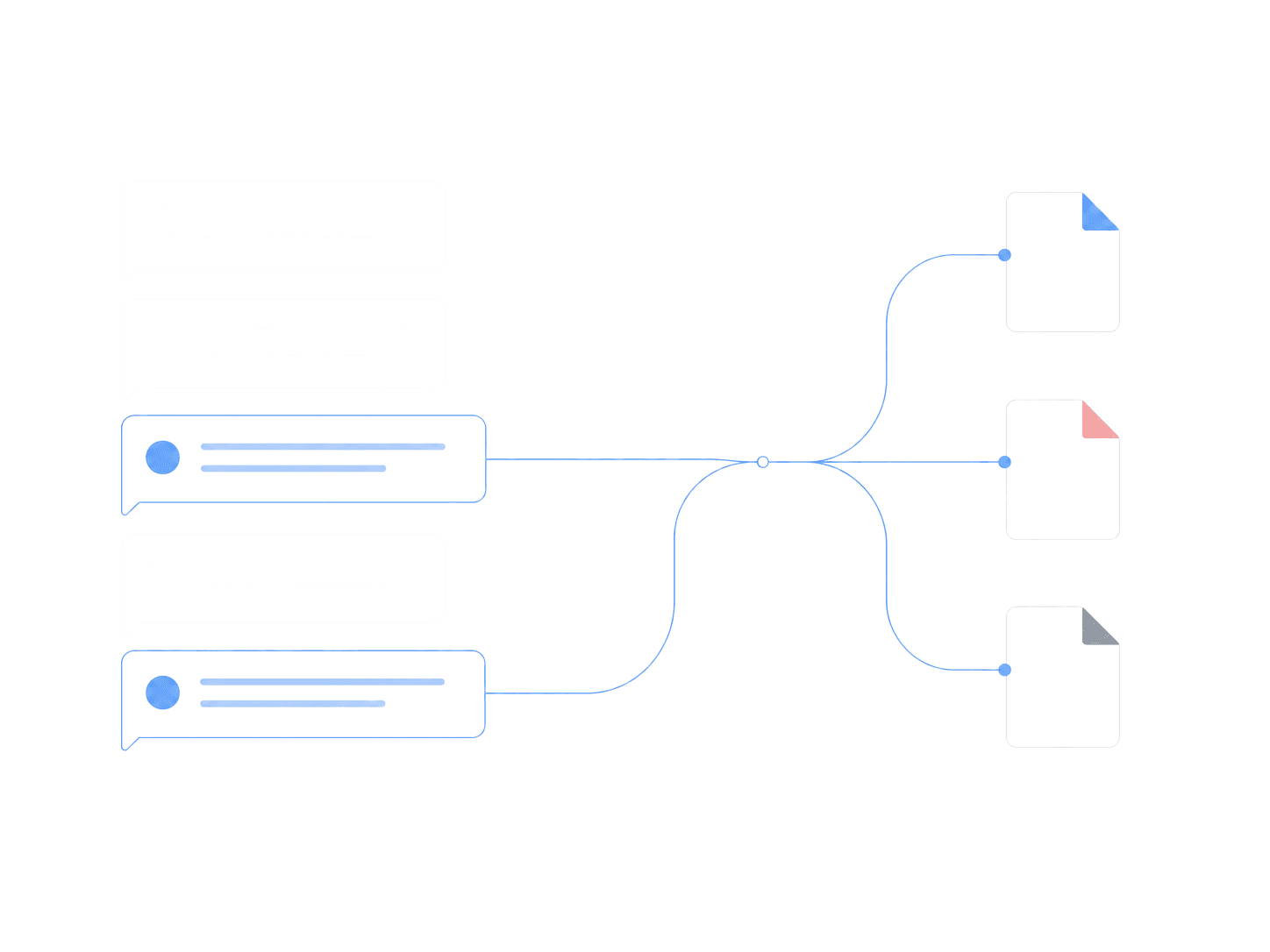
Selective Export
Pick the messages that matter. Export to Word, PDF, Markdown, and more.
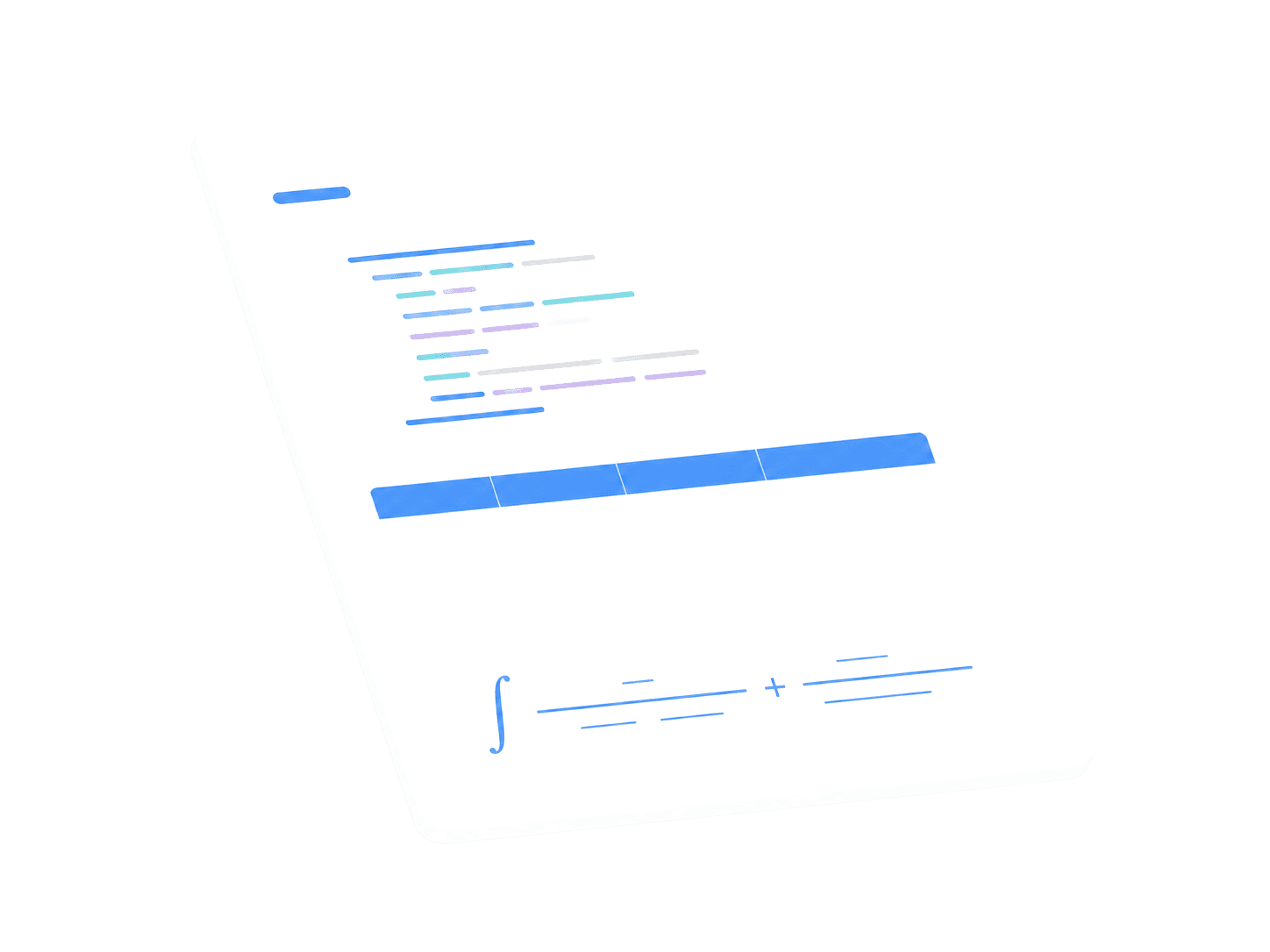
Format-Perfect
Code blocks, tables, and formulas stay intact. No manual cleanup needed.
Visual Sharing
Generate long images or posters for social posts and reports.

How It Works
Install and go. No setup required.
Install the Chat2File extension
Open a supported AI website
Click Export in the bottom-right corner
Select content and choose a format
Generate and download your file
FAQ
Common questions about Chat2File.
Chat2File works with ChatGPT, Google Gemini, Grok, Doubao, Kimi, Qianwen, Tencent Yuanbao, and ERNIE Bot (Wenxin Yiyan).
You can export to Word (DOCX), PDF, Markdown, HTML, JSON, Jupyter Notebook, EPUB, and long images.
Chat2File supports single-answer quick export and batch export. In batch mode, you can select individual messages or select all at once.
Yes. Code blocks, tables, math formulas, and other formatting are fully preserved. No manual cleanup needed.
Chat2File works on Chrome and Edge. Install it from the Chrome Web Store or Edge Add-ons.
Get Chat2File
Free to install. Start exporting in seconds.

